1
Open Billing
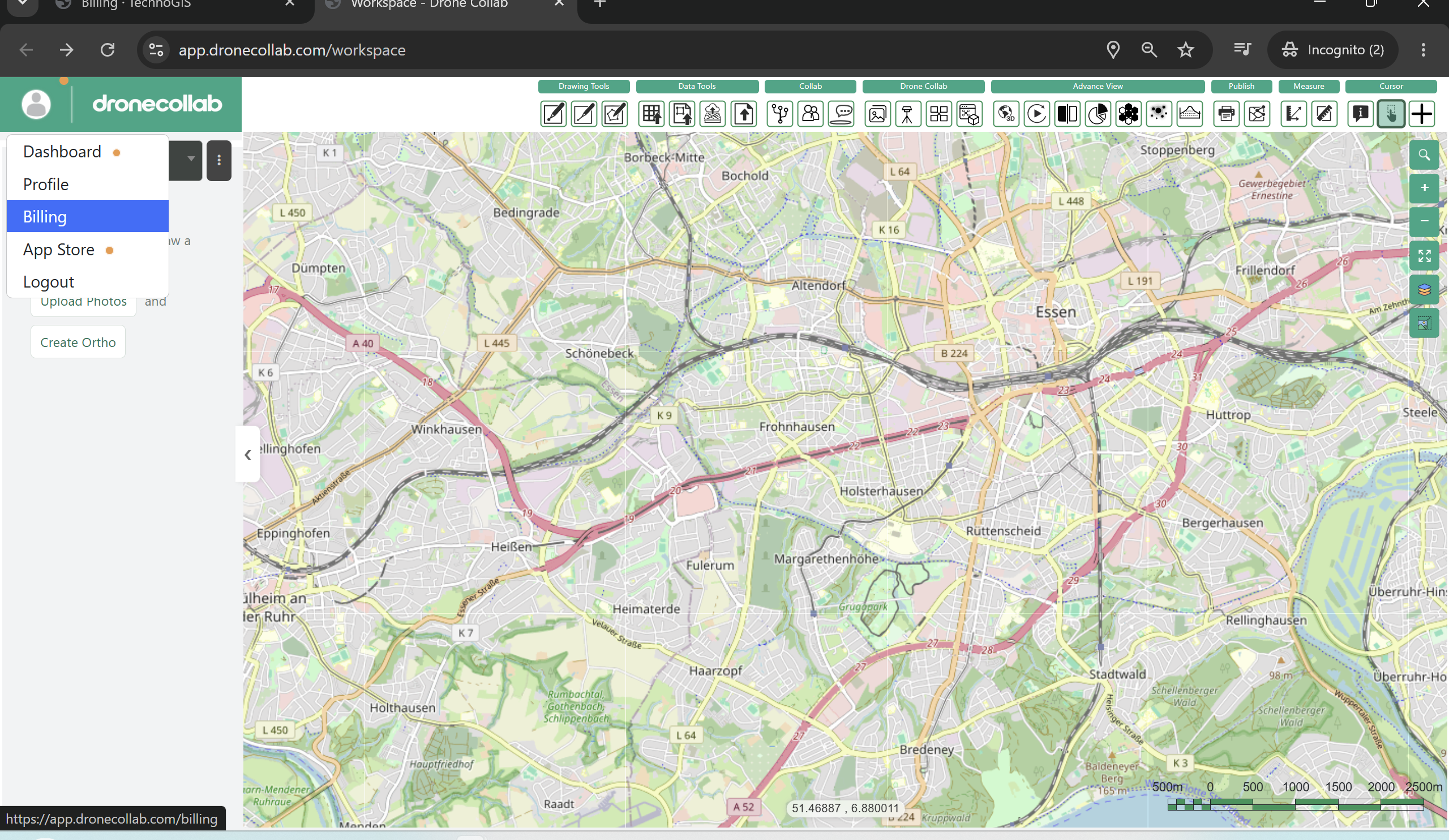
Sign in to DroneCollab and open your workspace. Click your profile picture at the top left.
Choose Billing from the profile menu to open the billing page.
2
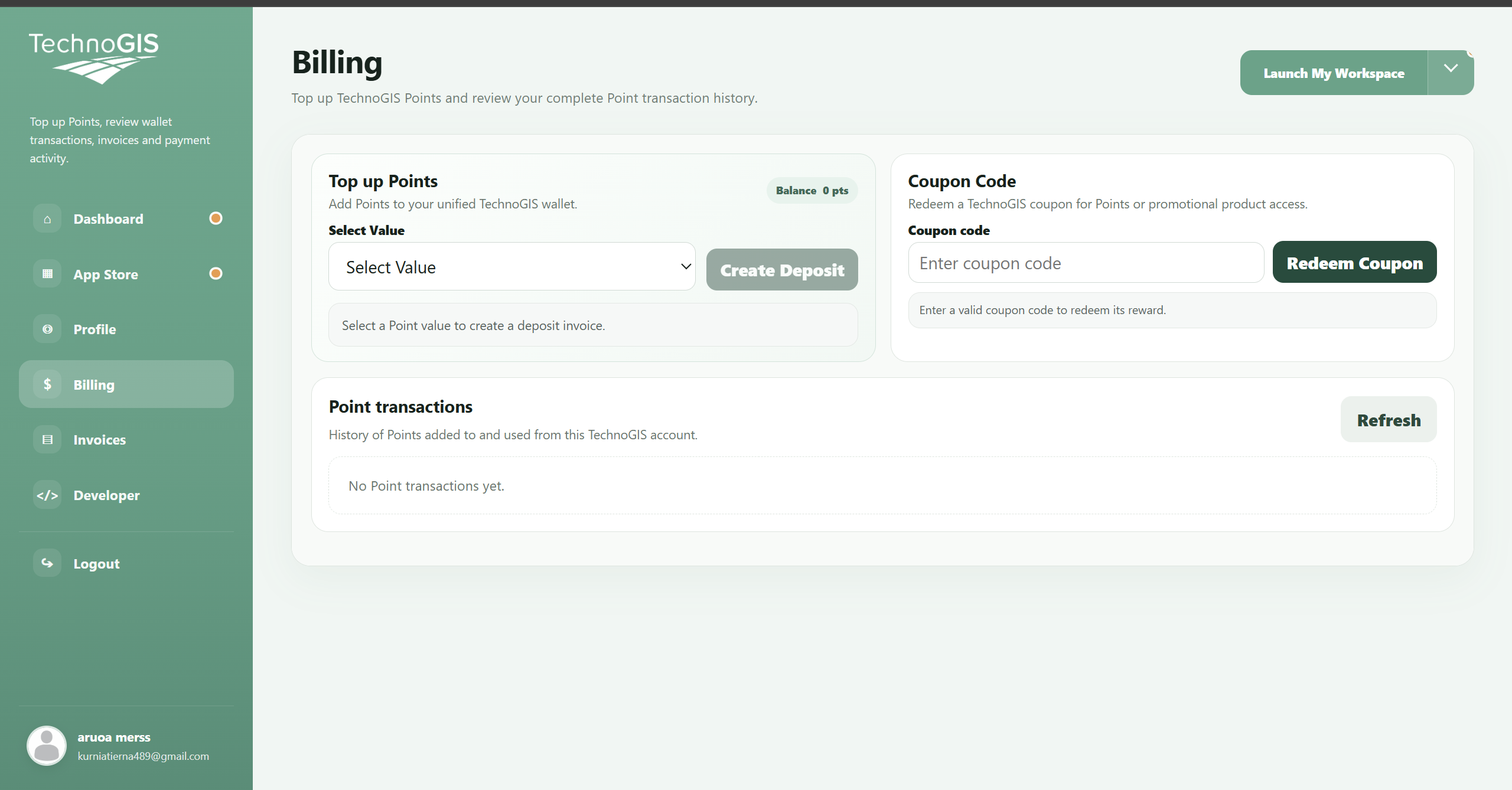
Enter and redeem your coupon
In the Coupon Code panel, enter the coupon code supplied to you, then click Redeem Coupon.
Read the response before trying again. On success, check the Points balance or product access granted by your coupon. If the code is not accepted, check its spelling and validity.
Rewards and eligibility depend on the actual coupon. These screenshots show the form before redemption; they do not guarantee a particular offer.