1
Create a deposit
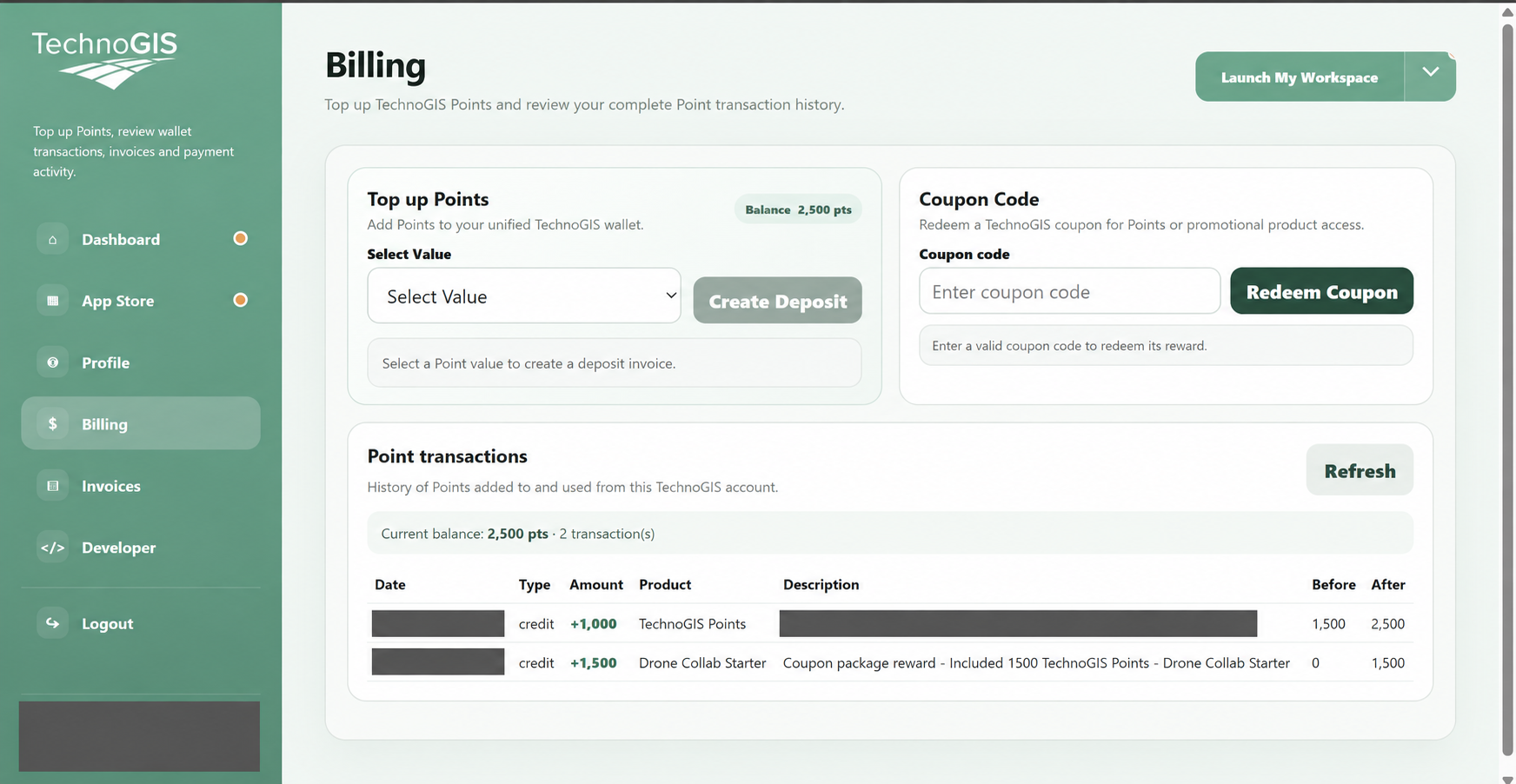
Open Billing from your workspace profile. In Top up Points, choose an amount under Select Value.
Click Create Deposit to generate the invoice.
2
Review the invoice
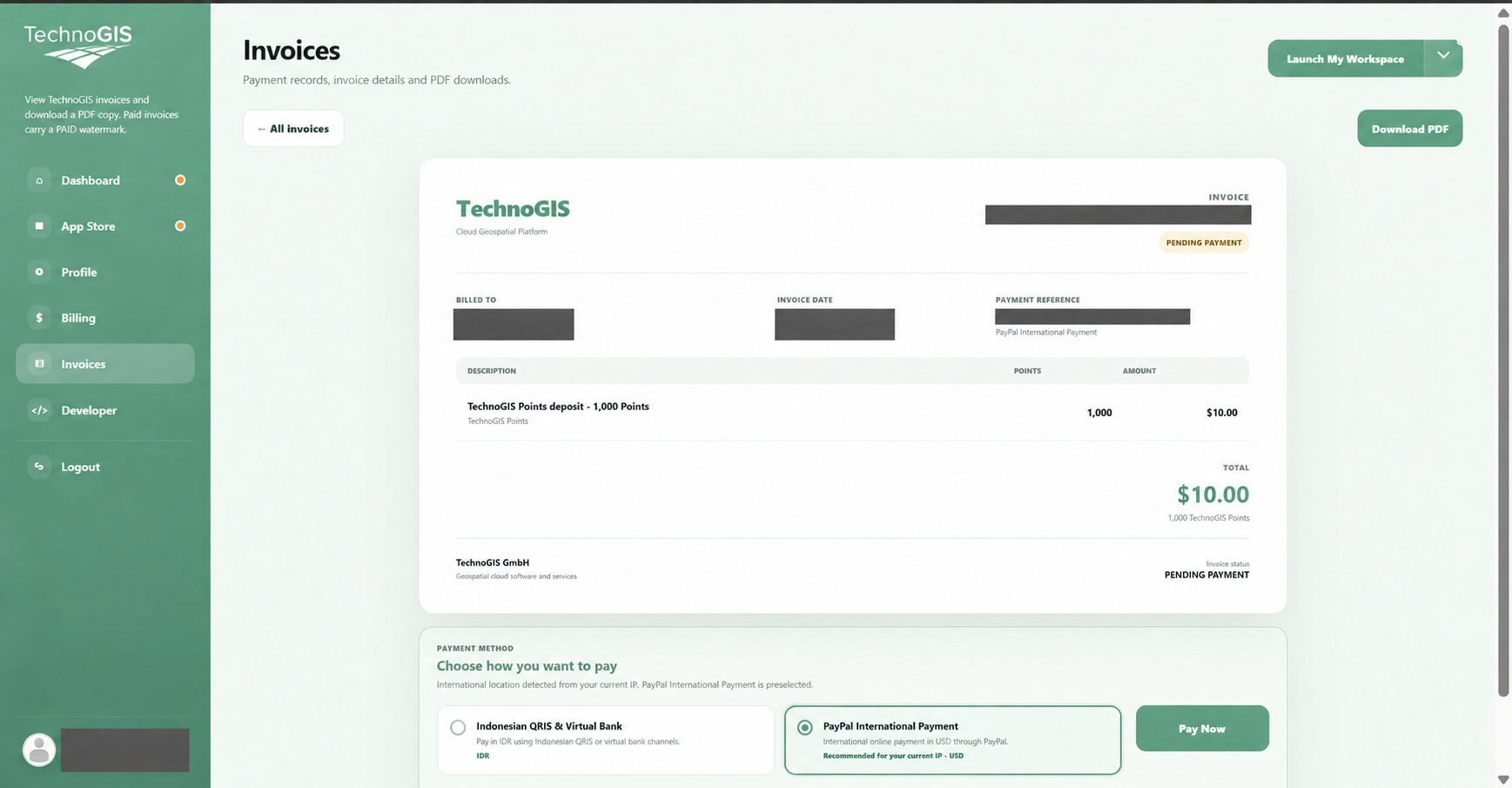
Check the points and total on the invoice. PENDING PAYMENT means payment is still required.
Choose an available payment method, such as QRIS & Virtual Bank or PayPal, then click Pay Now.
3
Complete payment
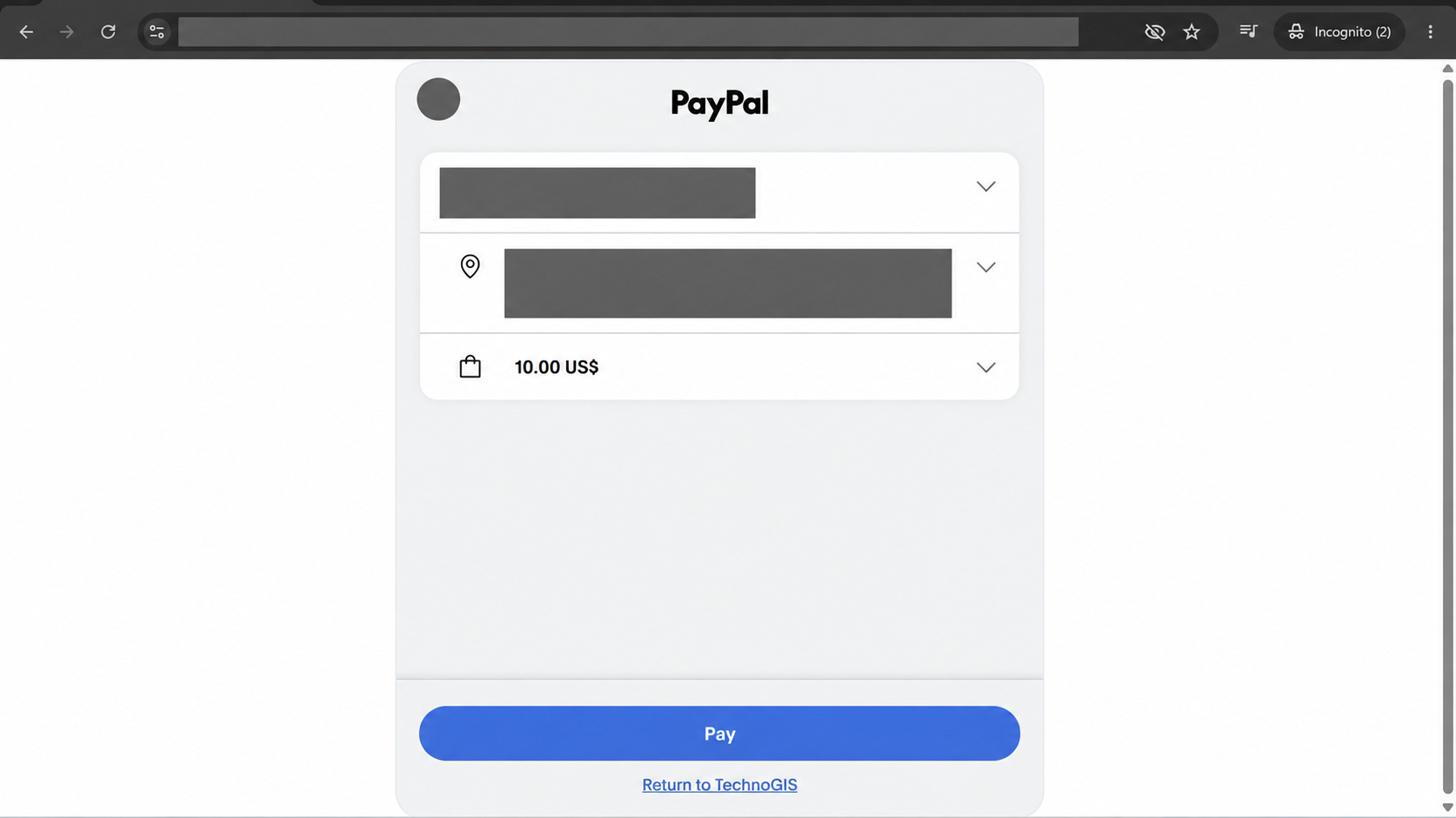
Follow the selected payment provider. The example shows PayPal checkout.
Check the amount, click Pay and return to TechnoGIS when payment finishes.
4
Check payment status
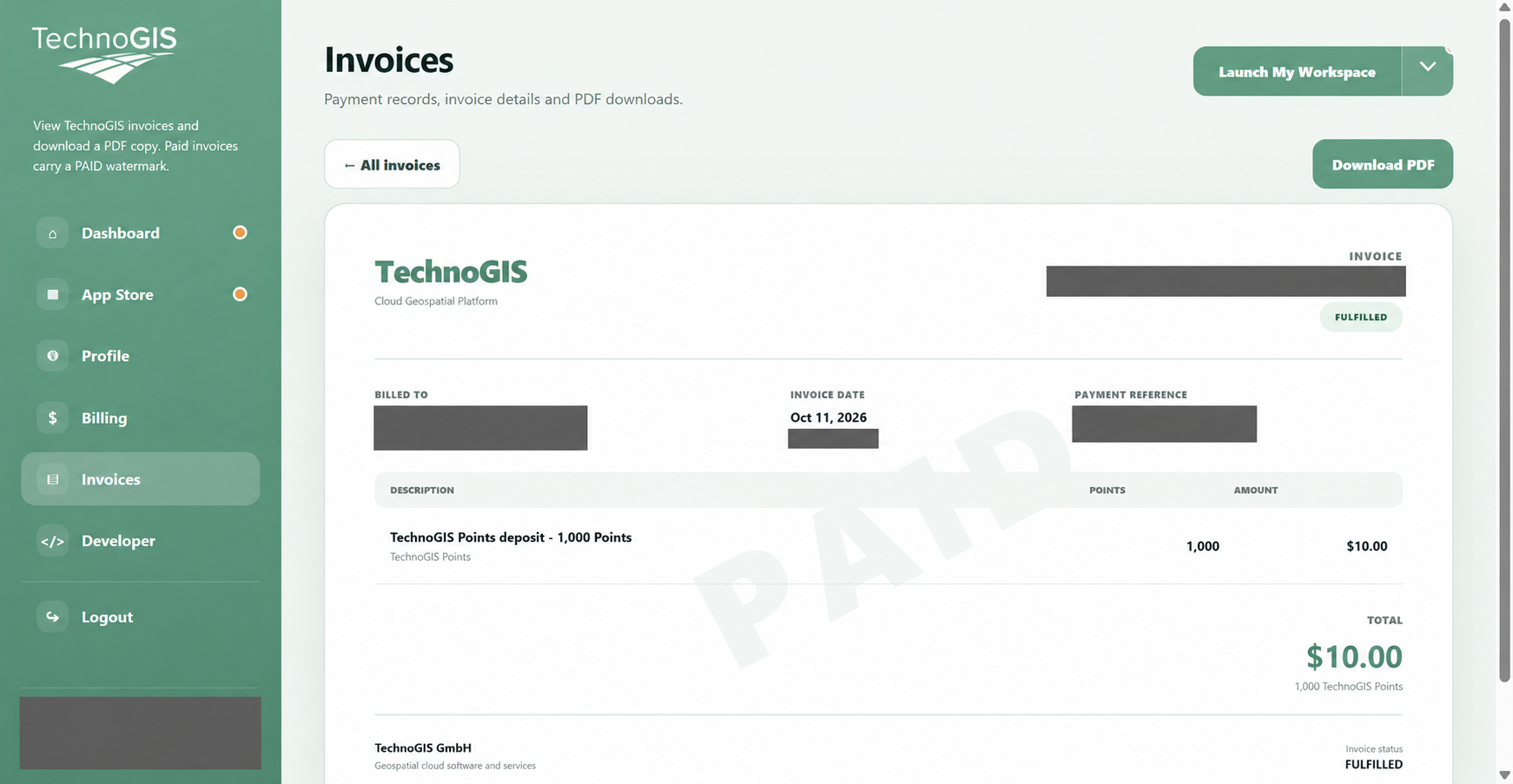
Return to Invoices and open the deposit invoice.
Confirm the PAID watermark and FULFILLED status. Download PDF if you need a copy.
5
Verify the new balance
Open Billing again and click Refresh if needed.
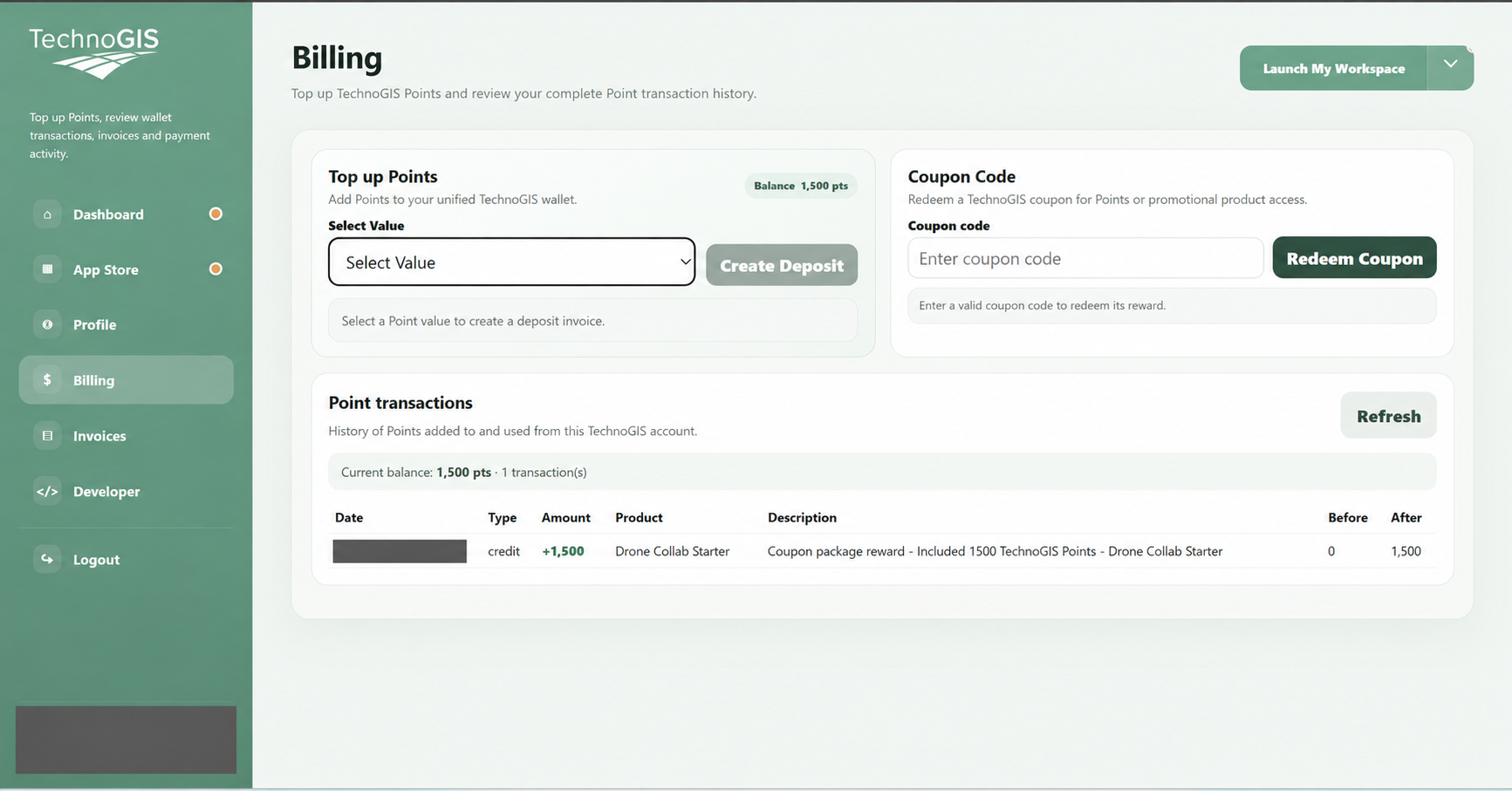
Check the credited deposit in Point transactions and compare Before, After and your current balance.